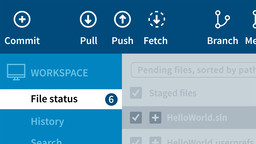
When you’re first starting out, source code control—which allows you to save your development work and review or roll back to a previous state—can seem like an intimidating concept. In this course, learn how to use Git, the preeminent source code control software, which is a natural fit with and fully supported by Visual Studio. Jesse Liberty helps to simplify what can be an unwieldy concept by tackling Git from the ground up, and doing so in the context of a tool: SourceTree. Jesse covers branching and merging, resolving conflicts, adding a tag to a commit, and adding to the stash. Plus, he dives into more advanced topics such as tracking all the commits and changes made to a file.