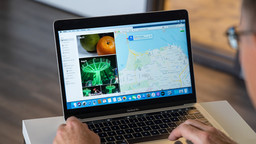
Learn about how to work with macOS Catalina, including how to manage files and folders, run applications, organize the desktop, and create separate user accounts. Instructor Nick Brazzi covers how to connect external devices including mice, keyboards, printers, hard drives, and other accessories using Bluetooth, USB, and other connection methods. Explore how to work with email and calendars, send instant messages, video chat, and use the core applications that come bundled with Catalina including Safari, QuickTime, and Maps. Discover ways to share files, back up, and restore your data. Plus, get tips for organizing, privacy, security, and more.