
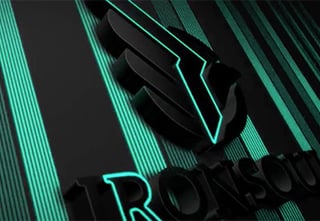
Learn how to customize a stunning logo sting template in Adobe After Effects! Don’t worry if you’ve never used After Effects before, this course is perfect for people who have little or no experience in After Effects. The customization of the logo effects and logo animation will be fairly simple, but there will be a lot of learning!
Check out the Projection Mapping logo sting template you’ll be customizing or browse the Logo Stings category on Envato Elements and find the right After Effects logo reveal for you.
After Effects for Beginners
Learn how to use After Effects in our hands-on course. You’ll start at the absolute beginning and work quickly through these After Effects tutorials into more exciting techniques.