
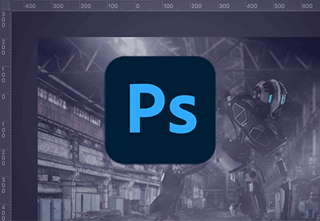
In this free Photoshop compositing tutorial, you’ll learn some useful tips and techniques for photo manipulation and digital compositing in Photoshop.
To help you learn photo compositing quickly, we’ll use a 3D asset along with some stock imagery to create a composite image of a post-apocalyptic robot scene in a disused industrial warehouse.
Among other things, you’ll learn how to:
At the end of the course, you’ll have learned about composition, scale, and lighting to help you combine multiple images of your own in Adobe Photoshop!
If you’re stuck for resources to use, don’t forget that Envato Elements offers unlimited downloads of high-quality photos on every topic you can think of, as well as layer styles, actions, and other useful Photoshop add-ons to help your photo compositing go more smoothly. And why not also try our free introductory course on photo manipulation in Photoshop?