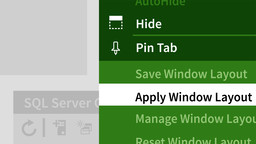
Visual Studio’s IDE is where you’ll spend most of your time in the program. By customizing the layout and preferences to suit your workflow, you’ll save time and avoid mistakes. Join Walt Ritscher for a tour of the interface and get tips for managing the many editor and tool windows. Walt shows how to use docking and other window management techniques, interact with tabbed editors, customize menus and toolbars, and make Visual Studio memorize your favorite IDE configurations. He also covers the Quick Launch tool, multi-monitor support, and touch-screen improvements in Visual Studio 2015.