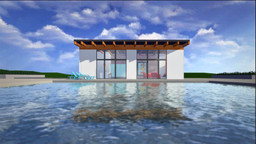
Unity is a great tool for 3D modeling and visualization-especially for architecture. But what if you want to add animation to your renderings, without having to keyframe? Luckily, Unity has two features that allow designers to animate visualizations in just a few steps. This course shows how to use the Timeline to animate with clips and recorded animation, and set up and manipulate cameras-to add motion along paths-with Cinemachine. Instructor George Maestri also offers tips for adding effects and transitions from Post Processing Stack 2.0 to your visualizations, for extra professional results.