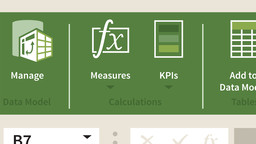
PowerPivot can be connected to Excel to add advanced data functionality inside of SharePoint. In this course, learn how to use PowerPivot and SharePoint to move data between SharePoint and Office 365 apps, as well as visualize and manipulate data inside SharePoint. To begin, instructor Phil Gold describes the similarities and differences between regular PivotTables and PowerPivot and the benefits of using SharePoint as a BI Center for your team. He shares how to set up PowerPivot and PowerView in Excel, how to connect them to your data, and how to upload a workbook to a SharePoint BI Center. Plus, learn how to share your BI Center with your team.